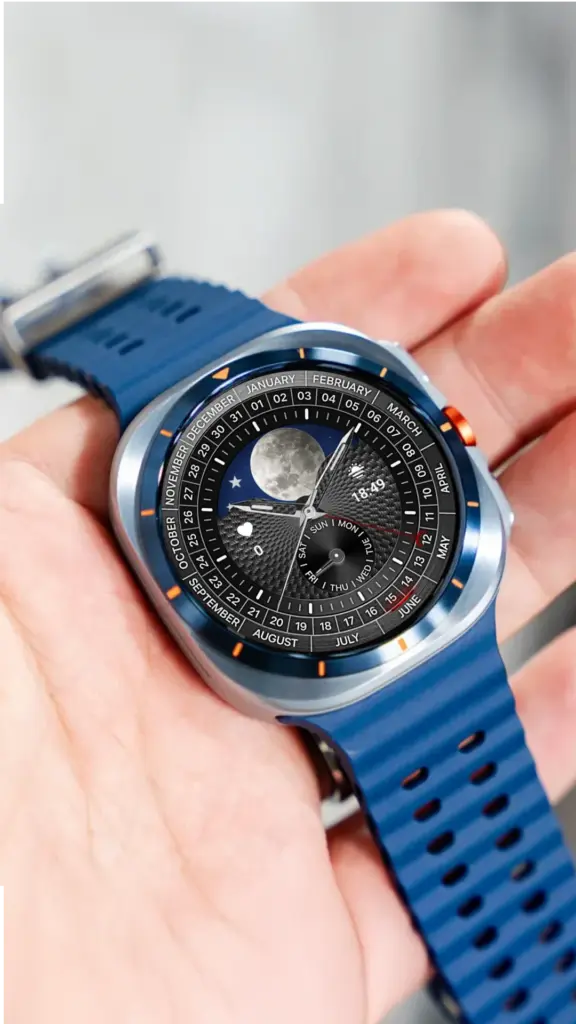
 FEATURED STORY
N-SPORT 770 Classic Analog Watch Face Review
Explore N-SPORT 770 classic analog watch face for Wear OS. Traditional hands, elegant markers, and optimized battery life for Galaxy Watch.
Read the storyExplore watch face reviews, practical Wear OS guides, and real N-SPORT previews. Find your style, then check the current app listing before you install.
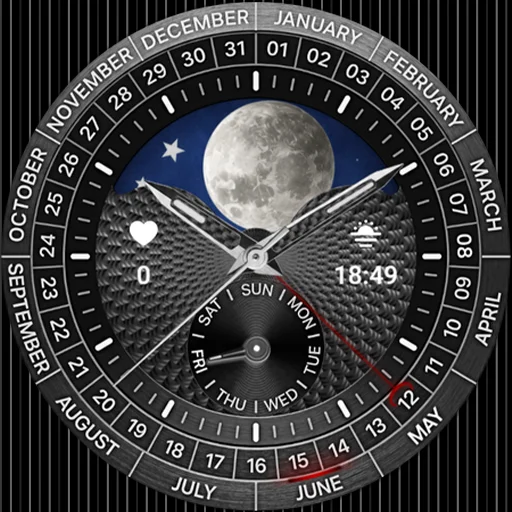
Fresh reviews, comparisons, and useful answers to help you choose a face that feels right on your watch.
Browse all articles FEATURED STORY
Explore N-SPORT 770 classic analog watch face for Wear OS. Traditional hands, elegant markers, and optimized battery life for Galaxy Watch.
Read the story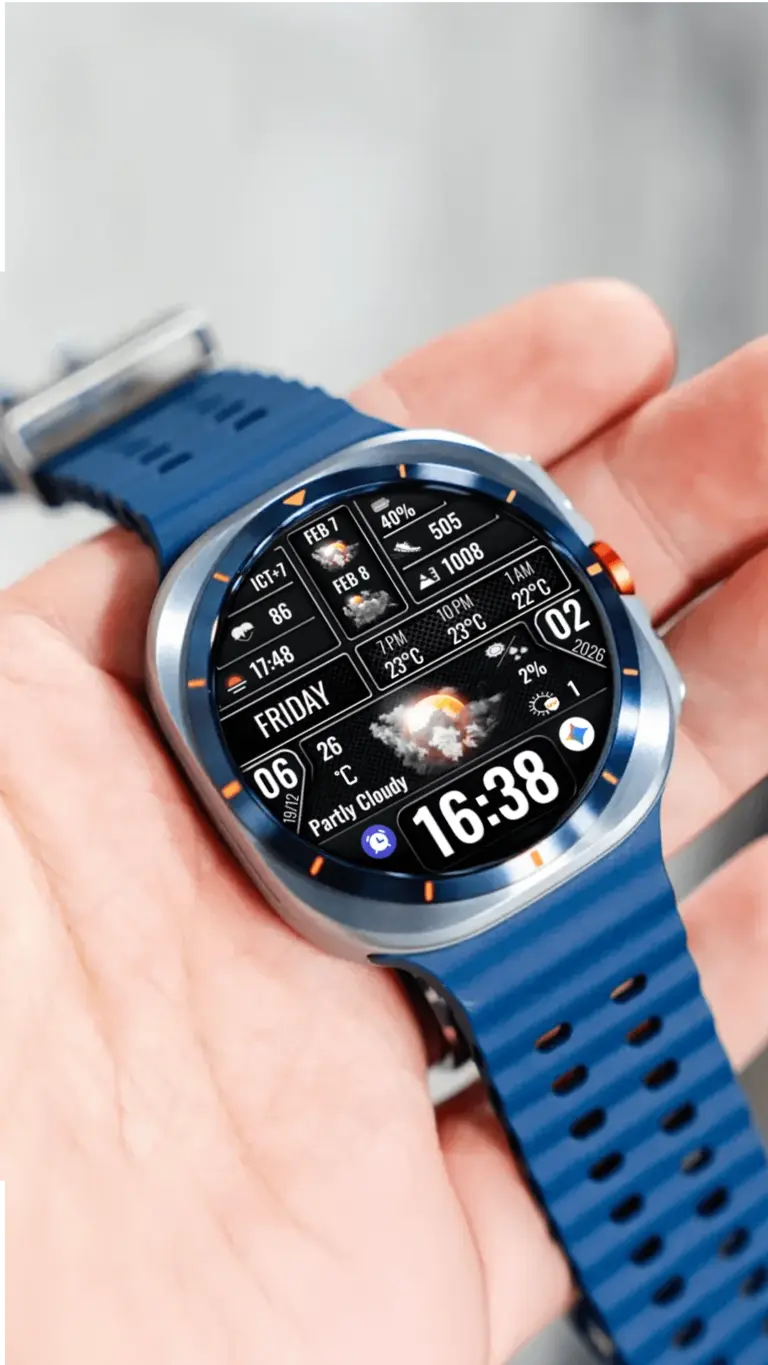
Compare N-SPORT 771, 775, 781 digital faces for Wear OS. Weather, complications, AOD, battery. Which fits Galaxy Watch…
Read article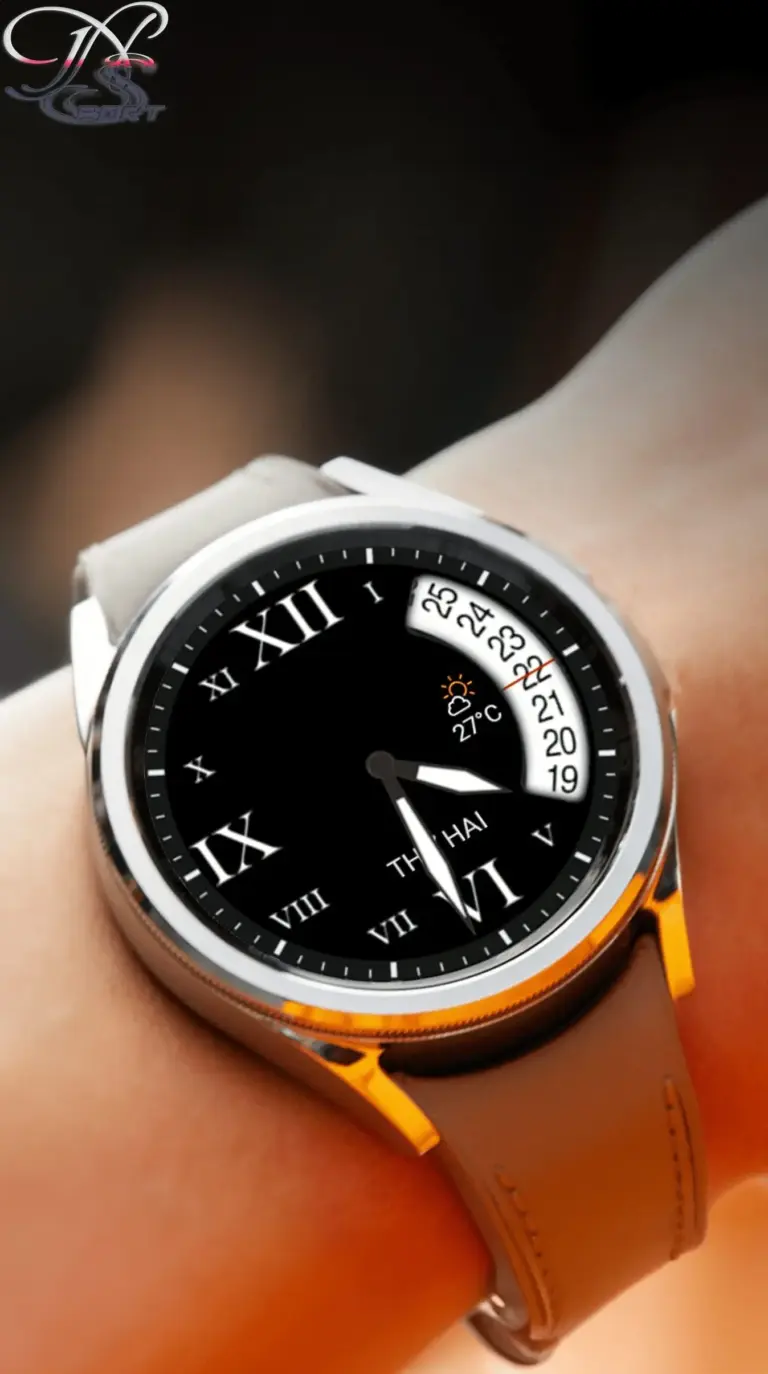
Quick setup guide for N-SPORT 653 Classic Analog on Wear OS. Install via Play Store or companion app,…
Read article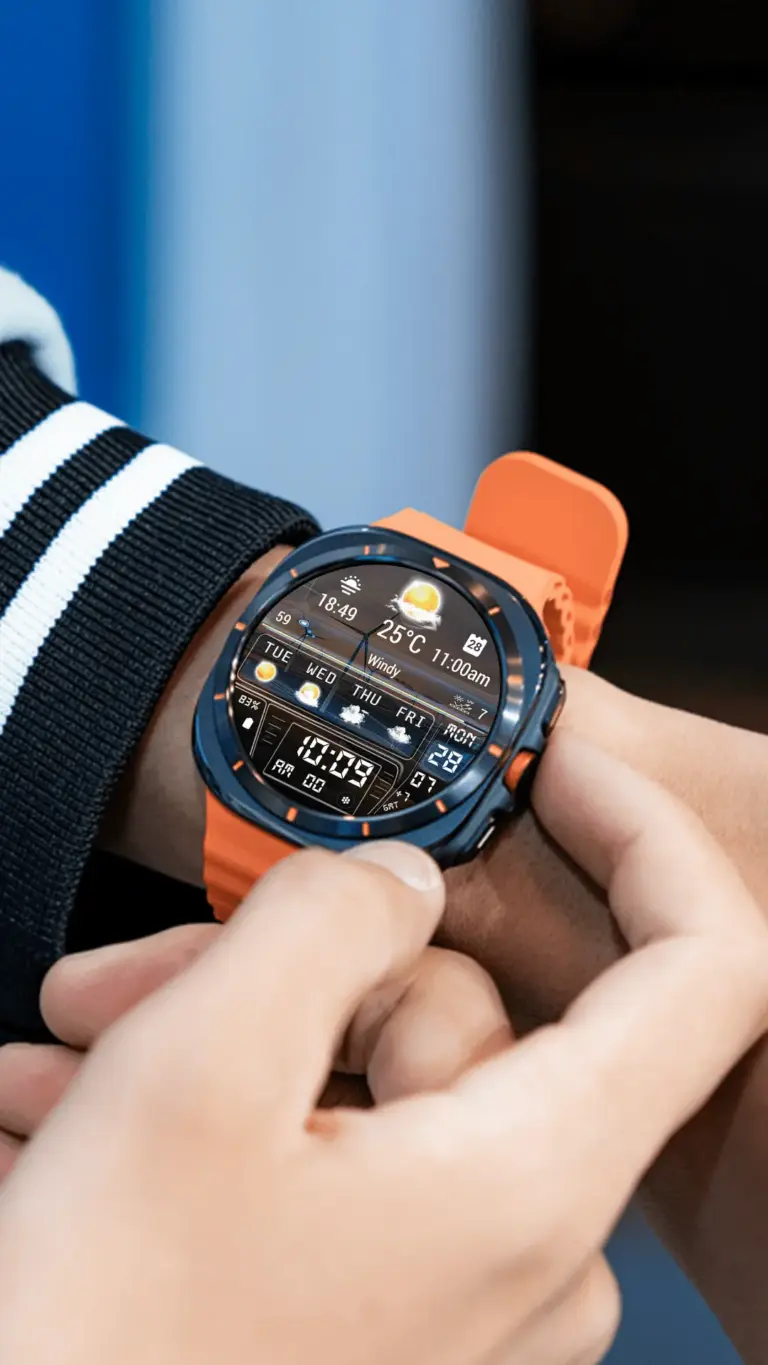
N-SPORT 755 Sporty Digital review for Wear OS: digital sport face with weather complications, step/heart rate tracking, and…
Read article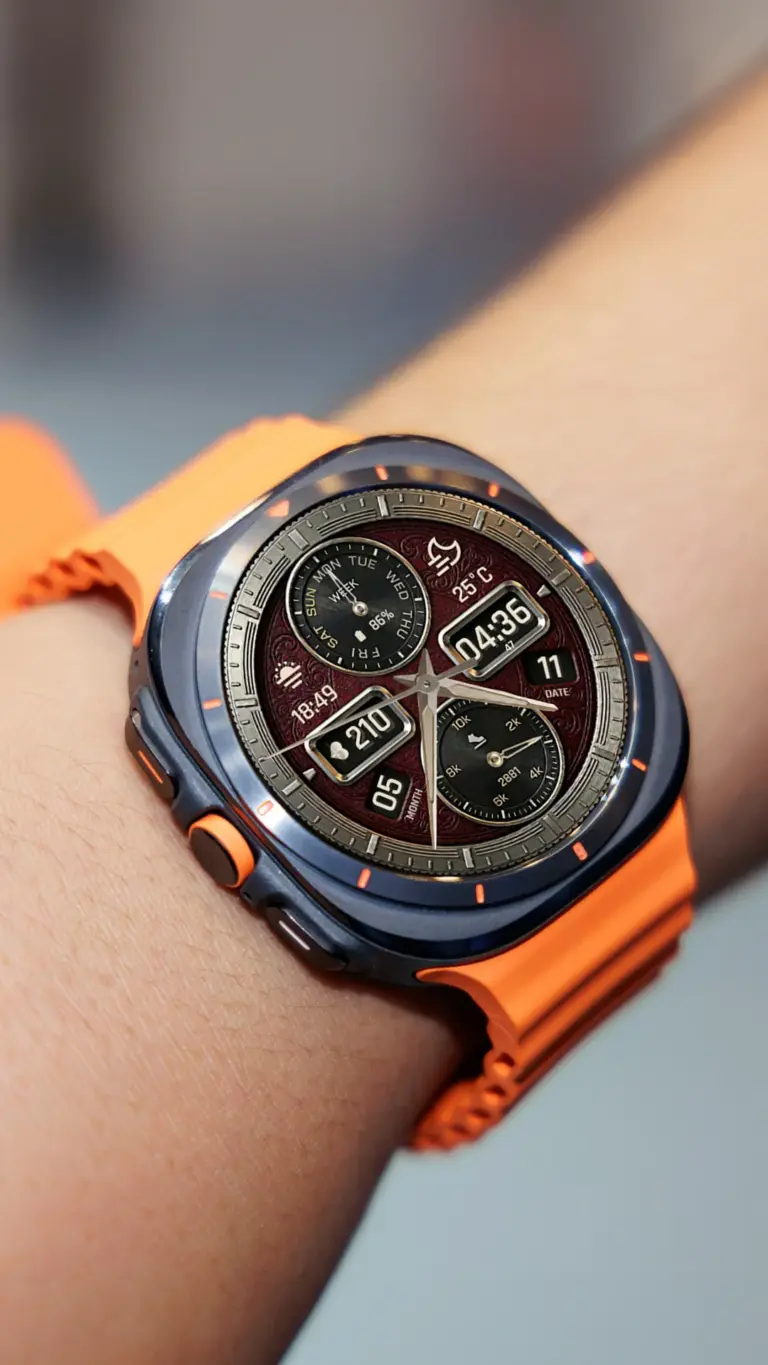
Explore N-SPORT788 Luxury Hybrid Watch Face on Wear OS with analog-digital hybrid display, 15 weather icons, and efficient…
Read article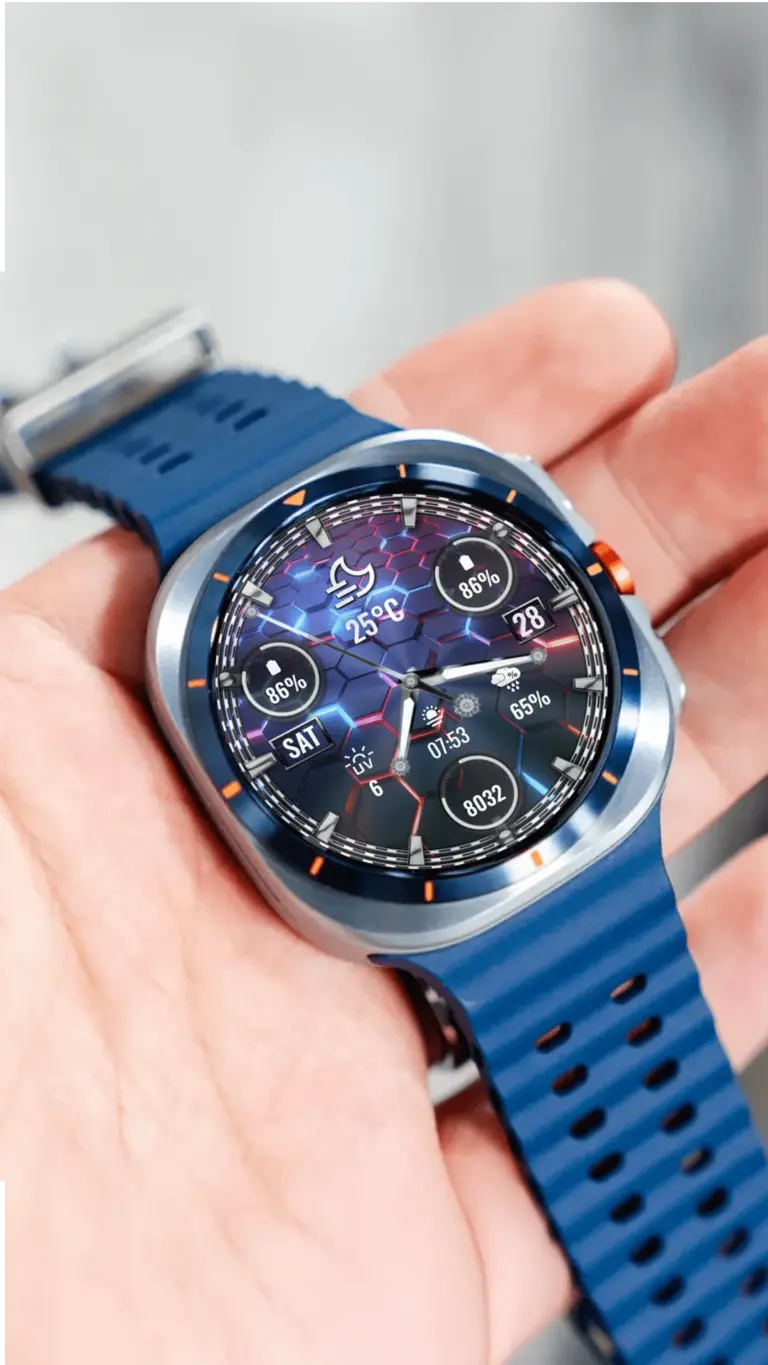
Compare N-SPORT 782, 788, and 776 watch faces for Wear OS devices to optimize battery efficiency and screen…
Read article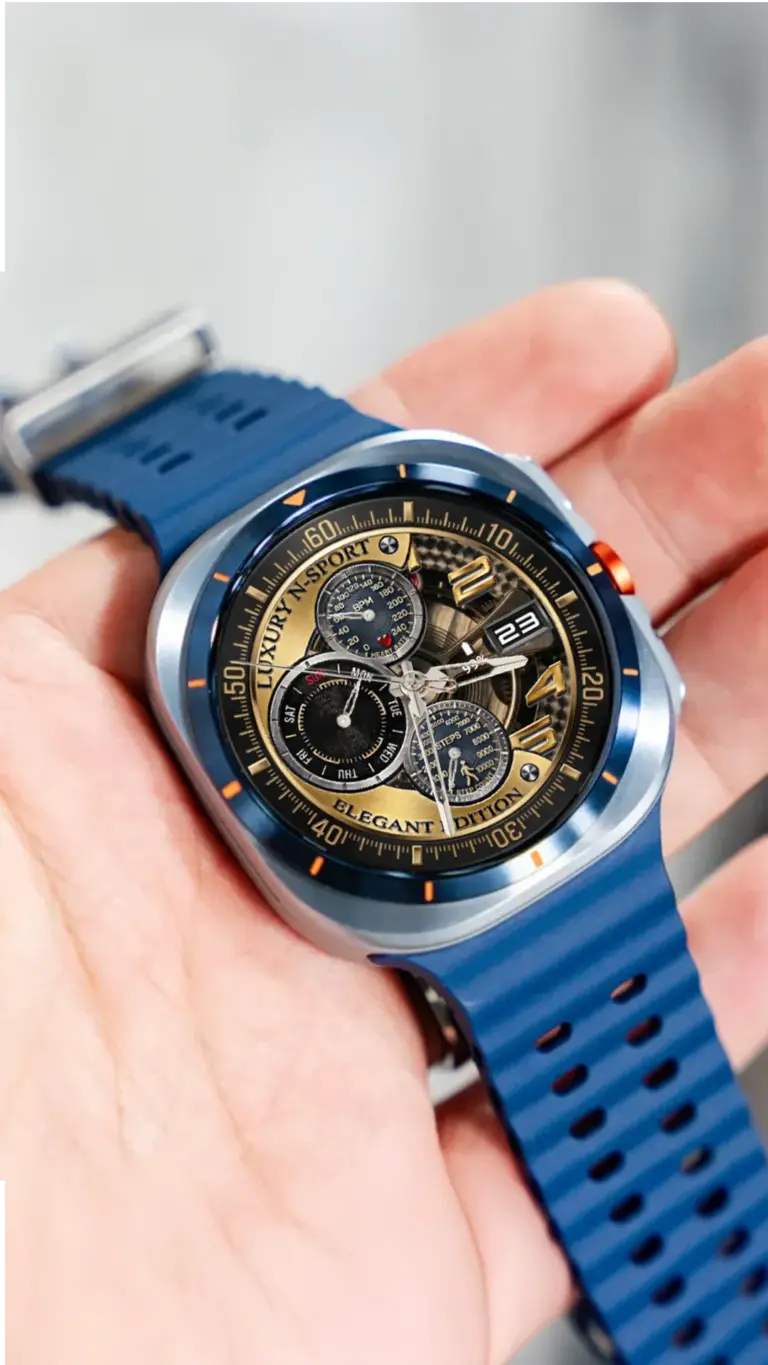
Explore N-SPORT 605 luxury watch face for Wear OS today. Discover classic black and gold analog design on…
Read articleThree distinct ways to wear the time. See the full dial, compare the feel, and open the product page when one catches your eye.
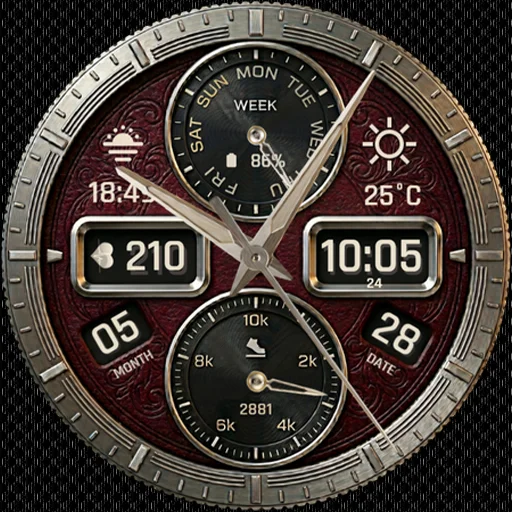
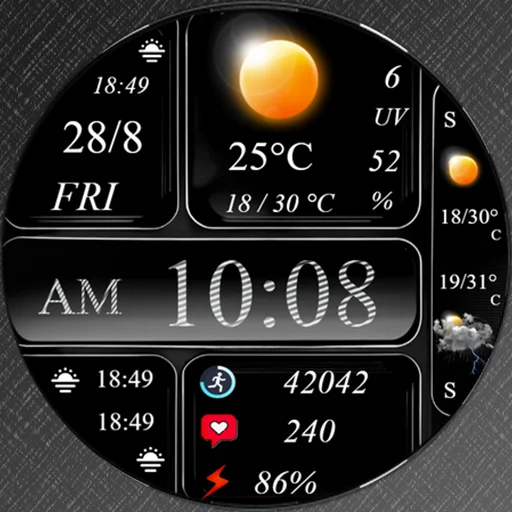
The best face is one you can actually use. Check the app listing for your watch and software, then follow a simple setup path.
How to chooseUseful answers for the decisions that come before a new watch face.